Open source Read-only, and boto3 is all it needs
AWS, explained in your notebook
You work in a SageMaker notebook, not the AWS console. aws-analyzer reads your buckets, tables, knowledge bases, notebooks, vector indexes and Lambda functions, and tells you what's there, what it costs, what's wrong, and the exact call to run next.
%pip install aws-analyzer
Start with your S3 buckets Pick a service
Works with


JupyterLab space churn-analysis
us-east-1 · the notebook this code runs in · running for 2d 5h
This ml.g5.2xlarge costs $1.52/hour, and its GPU is idle right now. If this notebook doesn't use the GPU, ml.m5.2xlarge has as many vCPUs and as much memory without one: $1.06/hour less, up to $773.07/month. Switch when the notebook is stopped.
Next disk('/home/sagemaker-user') running()
Plain English
It reads AWS so you don't have to
The console and the API hand you JSON, log lines and metrics. aws-analyzer turns them into sentences that say what it means for you, put a price on it, and name the next step. These are lines from its reports.
{
  "Sid": "PartnerRead",
  "Effect": "Allow",
  "Principal": {"AWS": "arn:aws:iam::210987654321:root"},
  "Action": ["s3:GetObject", "s3:ListBucket"],
  "Resource": ["arn:aws:s3:::acme-ml-data",
               "arn:aws:s3:::acme-ml-data/curated/*"]
}Statement PartnerRead gives other AWS accounts access (210987654321): read files, list files.
| Who | account 210987654321 |
| Can | read files, list files |
| On | bucket acme-ml-data, s3://acme-ml-data/curated/* |
From bucket_info() in the S3 guide. policy() shows every statement this way, and its JSON.
[ERROR] ClientError: An error occurred (AccessDeniedException)
when calling the PutItem operation: User: arn:aws:sts::123456789012:
assumed-role/acme-lambda-role/orders-etl is not authorized to perform:
dynamodb:PutItem on resource: arn:aws:dynamodb:us-east-1:
123456789012:table/ordersIts code was refused access twice (the last 6h ago): its role acme-lambda-role isn't allowed dynamodb:PutItem on arn:aws:dynamodb:us-east-1:123456789012:table/orders. Add the permission to the role's policy in IAM.
From errors('orders-etl') in the Lambda guide, which groups a function's errors by cause and links each to the run that shows it.
{"pk": {"S": "USER#0"}, "sk": {"S": "ORDER#0000"},
 "status": {"S": "shipped"}, "total": {"N": "69.83"},
 "lines": {"L": [{"M": {"sku": {"S": "SKU-046"},
"qty": {"N": "1"}}}]}}| pk (partition key) | USER#0 |
| status | shipped |
| total | 69.83 |
| lines | 1 element |
| sku | SKU-046 |
From get('orders', 'USER#0', 'ORDER#0000') in the DynamoDB guide, with what that read cost: 1 read unit.
Every guide
Start from the question you have
Each guide sets you up in SageMaker, walks through every command with real output, and lists the IAM permissions it needs.
-
Amazon S3
s3.pyWhat's in this bucket, and what is it costing me?What's inside this Parquet, Excel or PDF file?Someone deleted a file. Can I get it back? -
S3 file explorer
s3_explorer.pyCan I just click through my buckets like folders?What's in this file, without downloading it? -
Amazon DynamoDB
dynamodb.pyWhat does an item in this table actually look like?Which attributes do the items really have?How much did that scan just cost? -
DynamoDB explorer
dynamodb/explorer/Can I click through a table's items?Which attributes are missing or mixed? -
Bedrock Knowledge Bases
bedrock_kb.pyWhy did my knowledge base answer that?Which files failed to index, and why?Does a search find the passage it should? -
Knowledge base explorer
bedrock_kb/explorer/Which files are searchable, and which failed or need a sync?How was this file cut into chunks? -
Bedrock chat
bedrock_chat.pyWhich settings give the best answers to my test questions?What exactly is sent to Bedrock? -
Amazon SageMaker
sagemaker_env.pyWhat is this notebook costing me, and does it stop when I leave?Why did my training job fail?Which endpoints are idle and still costing me? -
Amazon OpenSearch
opensearch.pyDo my vectors fit in the memory the nodes have?Which documents have no vector?What's nearest to this question? -
OpenSearch explorer
opensearch/explorer/Can I click through my indexes and their documents?Which documents can search never find? -
AWS Lambda
lambda_functions.pyWhich function failed last night, and why?Which runtimes lose support soon?Is it paying for memory it never uses? -
Lambda explorer
lambda_functions/explorer/Can I just click through my functions and their logs?What's running right now? -
AWS Step Functions
stepfunctionsWhich step of my workflow failed, and why?What did that Lambda log in the run that broke it?Can I redrive the failed ones? -
Step Functions explorer
stepfunctions/explorer/Can I click from a failed execution to the step that broke it?Where is that step on the graph? -
Amazon API Gateway
apigatewayWhich calls to my API fail, and why?Who can call this route without signing in?Did the Lambda behind that 504 finish anyway? -
API Gateway explorer
apigateway/explorer/Can I click from a 504 to the Lambda run behind it?Where does a request to this route go? -
Amazon Athena
athenaWhich of my queries cost the most, and why?Why did my query fail?Which tables point at an empty folder? -
Athena explorer
athena/explorer/Can I click through what my queries cost?Which tables return nothing? -
SQS, SNS and EventBridge
messagingWhere did my message go?What's stuck in the dead-letter queue?Why does this topic never reach my queue? -
Messaging explorer
messaging/explorer/Can I click along the path a message takes?Is this queue draining? -
Ask in plain English
agent/Were last night's uploads to acme-raw processed?Any question about Lambda and S3, in a sentence.Remembers where things run, next time.
One pattern
Every report reads the same way
Learn one and you can read them all. Each report puts the answer first and ends with what to do about it.
- The answer Cards with the few numbers that matter, in units you know: sizes, dollars a month, how long ago. A card turns amber when a warning below is about it.
- What needs a look Findings, warnings first. Each one says what's wrong, why it matters, what it costs, and what to change.
- The detail Tables you can sort, filter and trim, and the raw JSON folded away for when you want it.
- What to run next
Two or three numbered calls with the arguments already filled in, written as your notebook runs them
(
ui.errors('orders-etl')).ui.next(1)runs the first;ui.next()puts them all in a cell below.
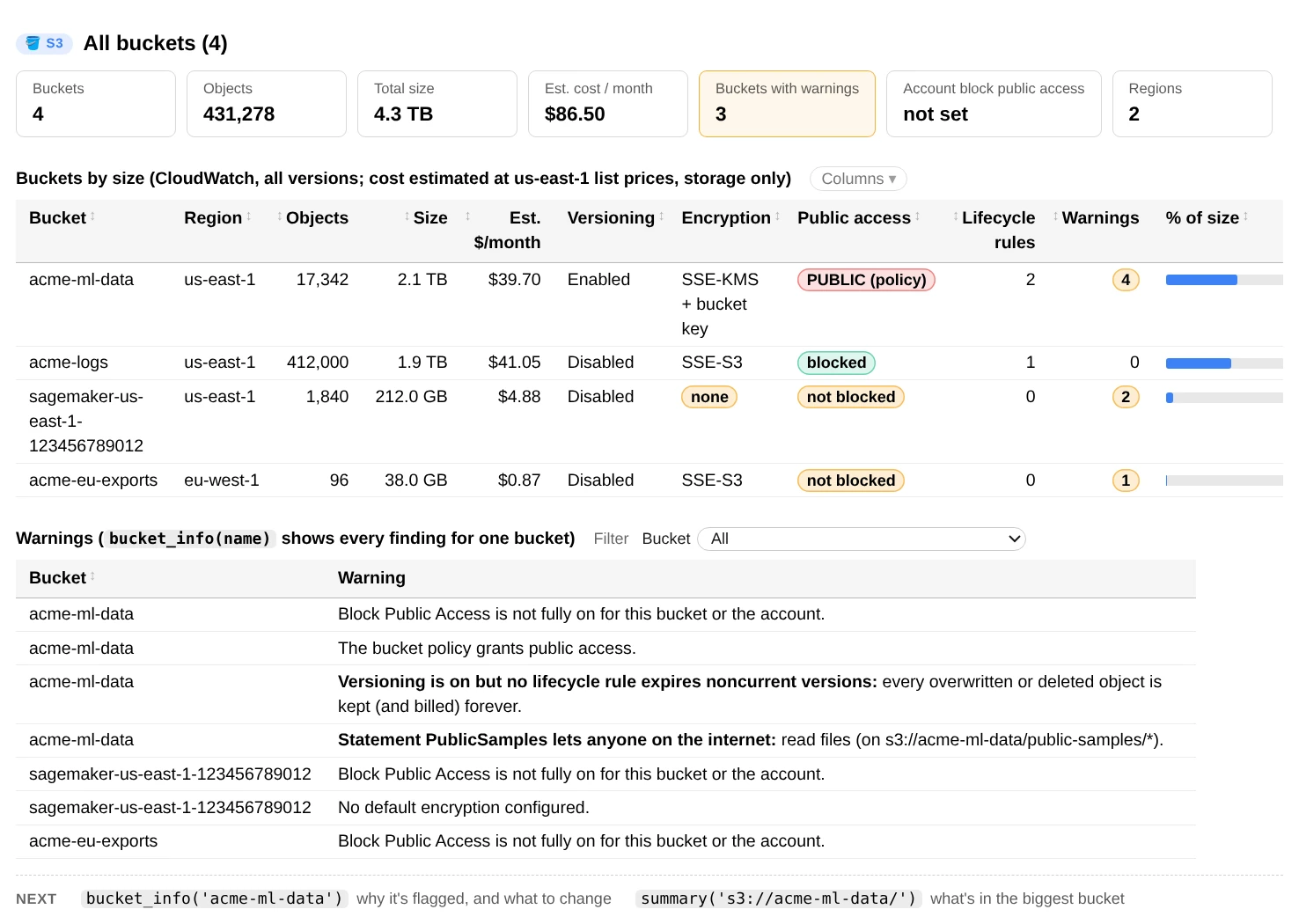
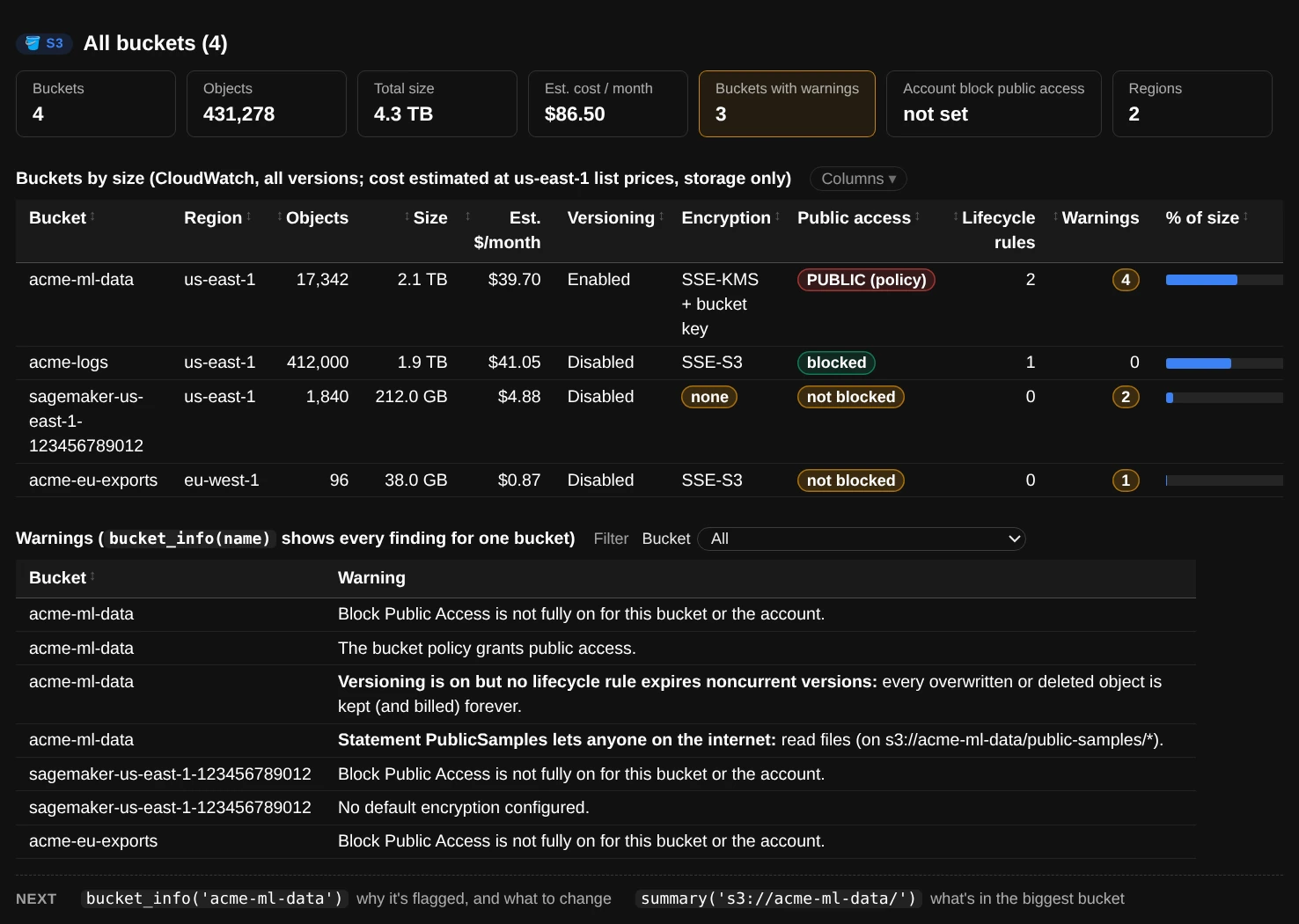
ui.overview() in the S3 guide: every bucket, what it costs, and what needs a look.Every service starts the same way. It uses the notebook's IAM role, so there's nothing to configure:
from aws_analyzer import S3View  # or DynamoDBView, BedrockKBView, SageMakerView, OpenSearchView, LambdaView

ui = S3View()              # uses the notebook's IAM role
ui.help()                  # every command, grouped by task; ui.help("name") shows one in full
s3 = ui.core               # the analyzer behind the view: returns data instead of a report
Promises
What it will never do
Change anything in your account
It only reads. When a finding suggests a fix, it shows you the command and leaves running it to you.
Ask you to set it up
It uses the notebook's IAM role and region. A missing permission becomes a note naming it, and the rest of the report still shows.
Need more than boto3
SageMaker already has it. pandas, file readers and widgets are used when they're there, and a report says what to install when one is missing.
Pretend an estimate is a bill
Costs say which prices they used, partial results say where they stopped, and long scans stop early unless you ask for more.
Time zones
Times in your time zone
Times are in UTC until you pick a zone. Then every report and window, for every service, shows its times in your zone and says which one (Last modified (IST), since 2024-05-01 14:02 IST), and dates you type in (since="2024-05-01 10:00") are read there too:
from aws_analyzer import set_timezone

set_timezone("Asia/Kolkata")   # or its city, "kolkata"; "America/New_York", "+05:30", "UTC" to go back
set_timezone("local") uses the machine's own zone, which on SageMaker is UTC, so name yours there. The AWS_ANALYZER_TZ environment variable picks the zone for every notebook (AWS_ANALYZER_TZ=Asia/Kolkata). CloudWatch's daily numbers stay in UTC days, since that's how AWS adds them up, and their columns say so (Day (UTC)).
Themes
Pick how reports look
Reports come in five themes, each made for a light or a dark notebook. console is the default. Pick another and every report from then on uses it, while the ones already in the notebook keep theirs:
from aws_analyzer import set_theme

set_theme("soft")   # "console", "soft", "editorial", "brand" or "classic"; None goes back to the default
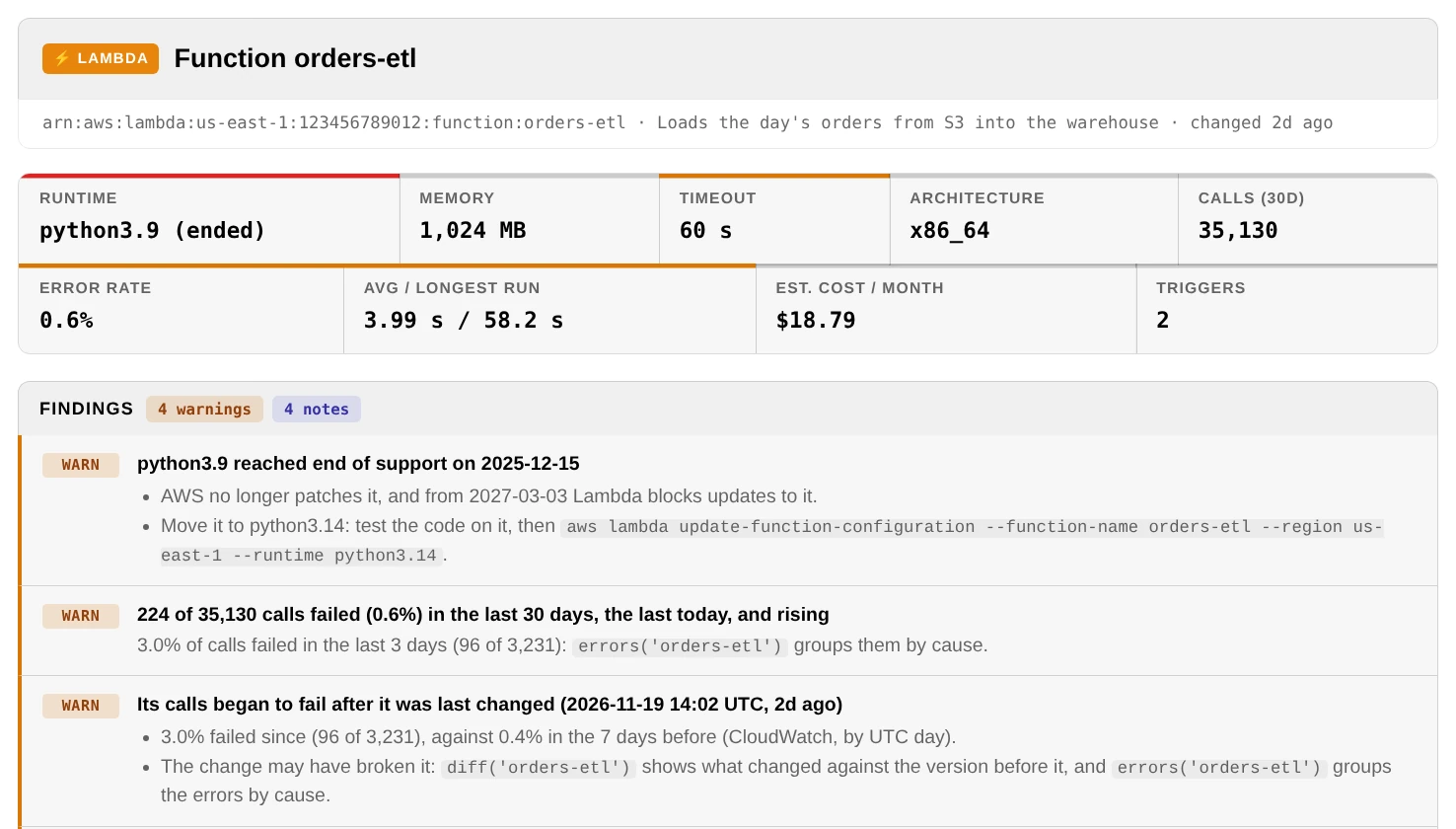
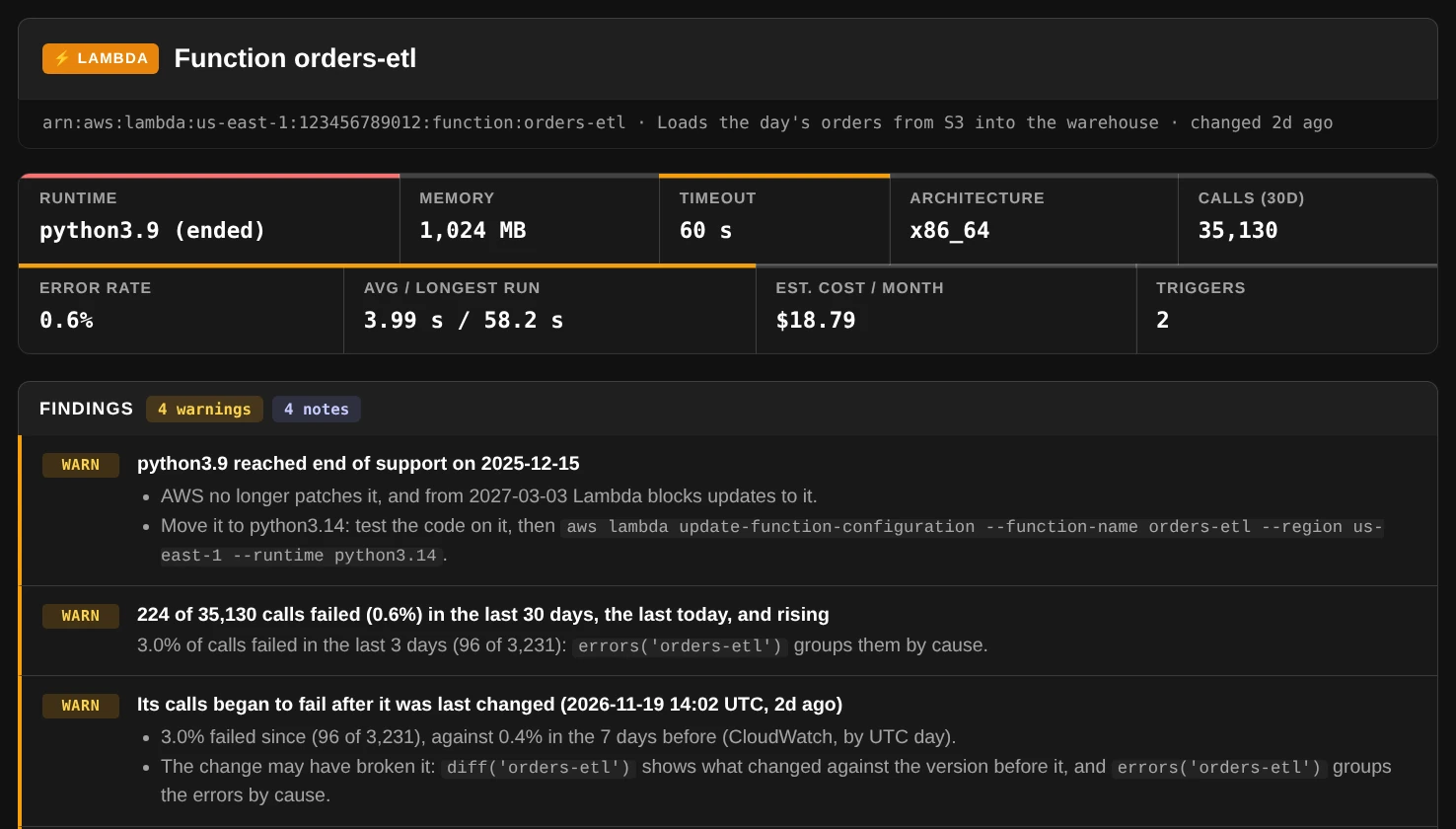
The default: boxed panels, WARN and INFO tags, and numbers in a monospace font. Dense, like the AWS console. set_theme("console")
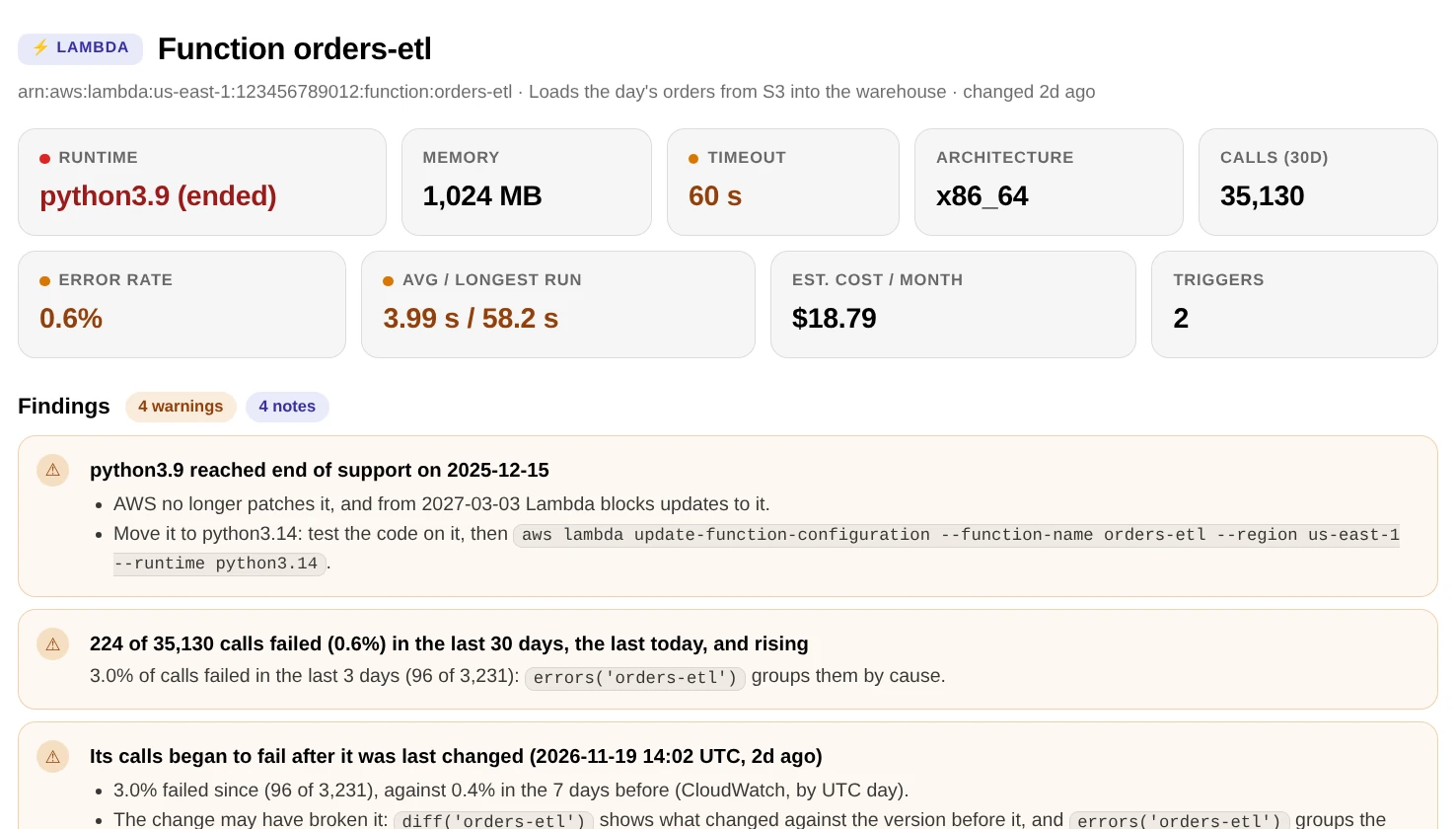
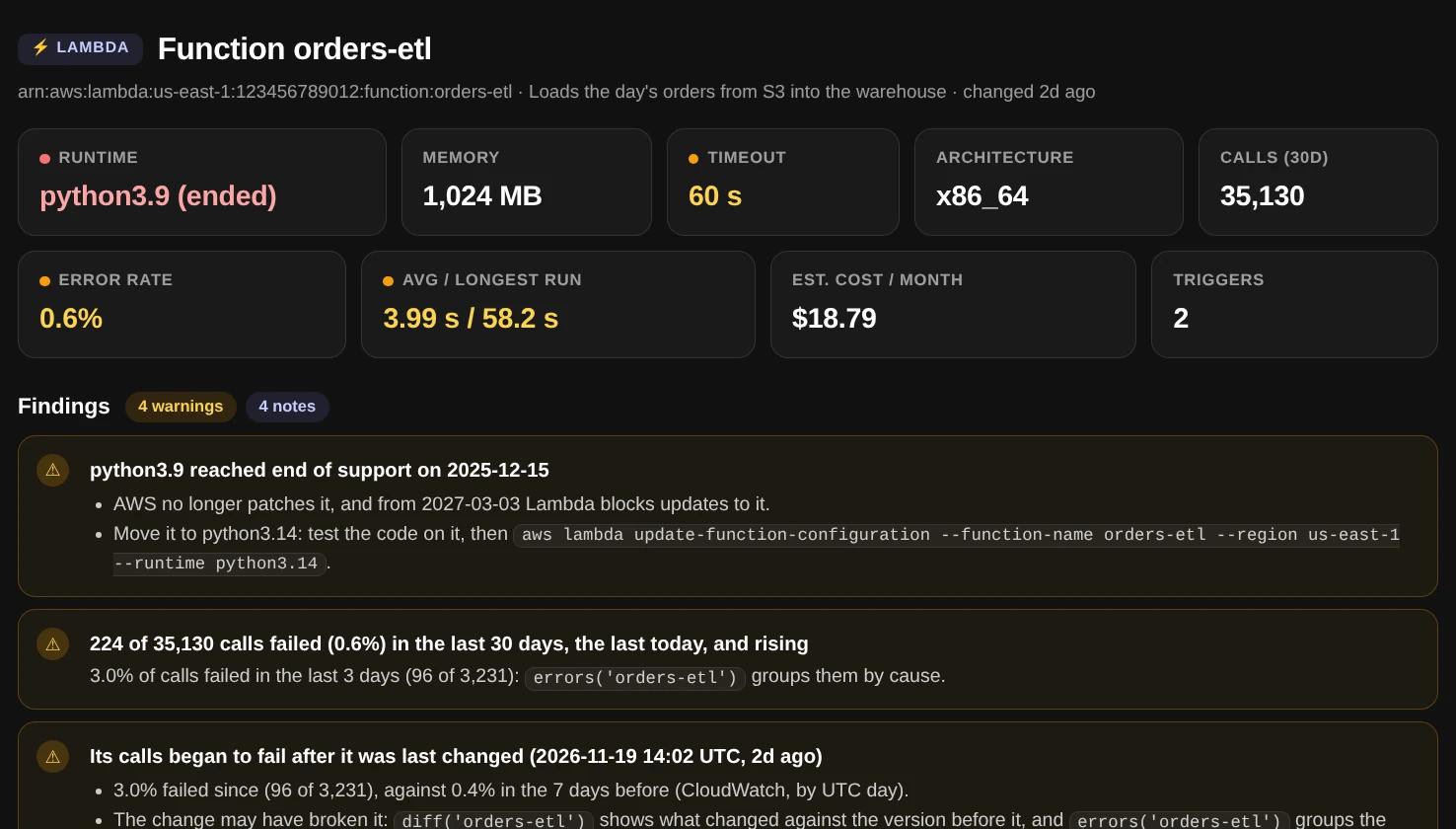
Rounded tiles on a light fill, small capitals over the numbers and columns, and the calls to run next as tiles. set_theme("soft")
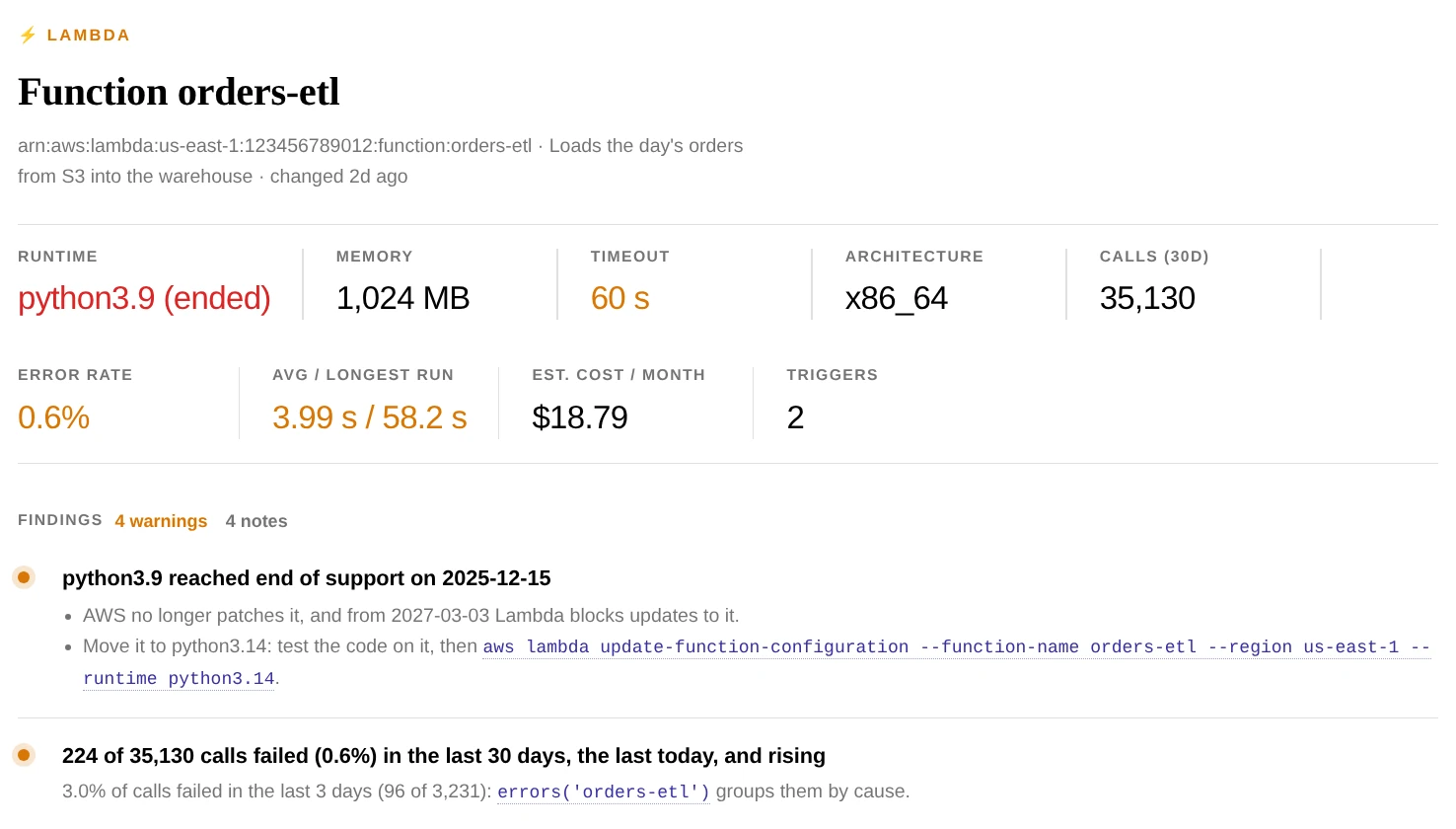
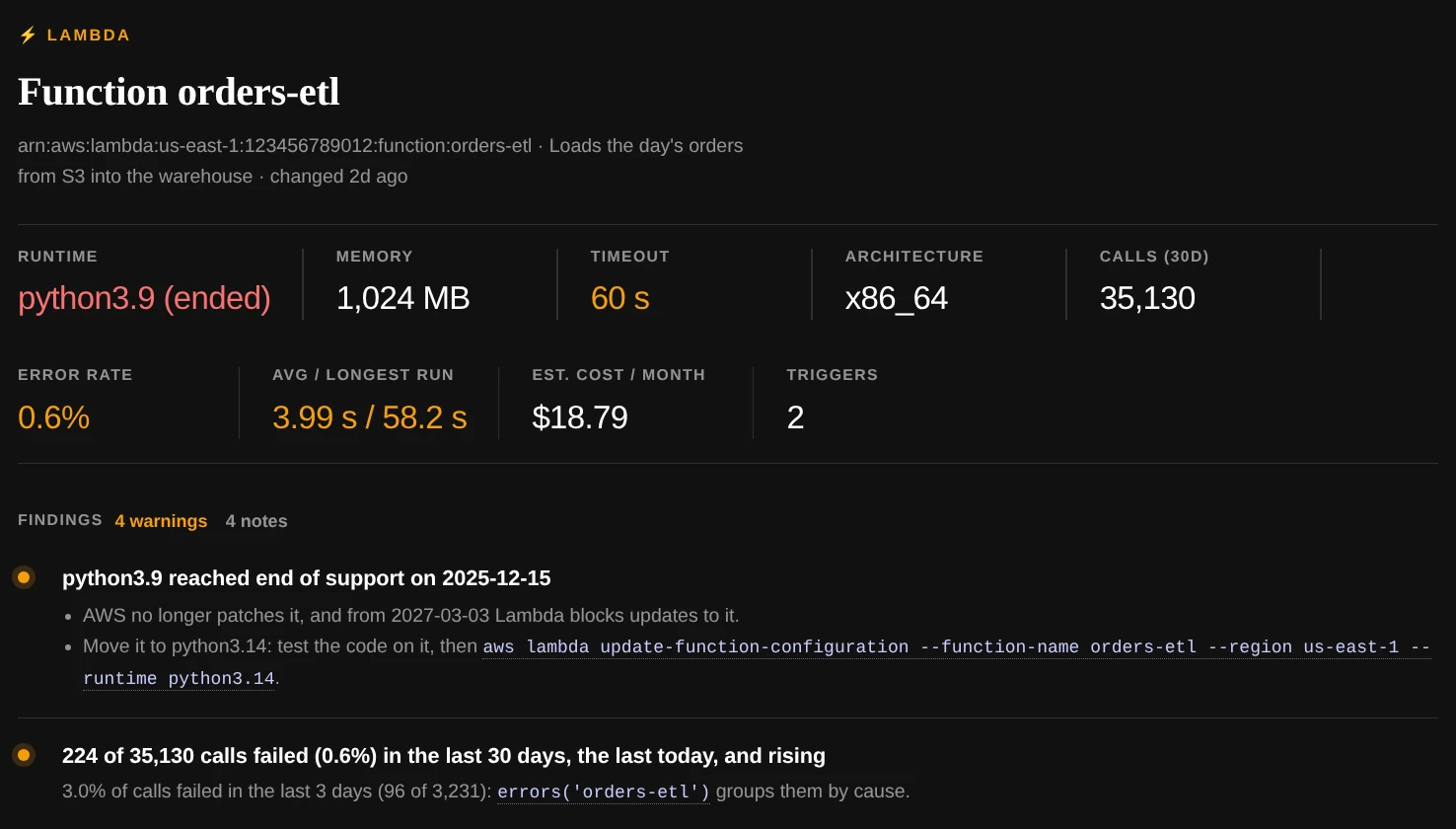
Almost no boxes: a serif title, the numbers as a row of large figures, and findings as a list. set_theme("editorial")
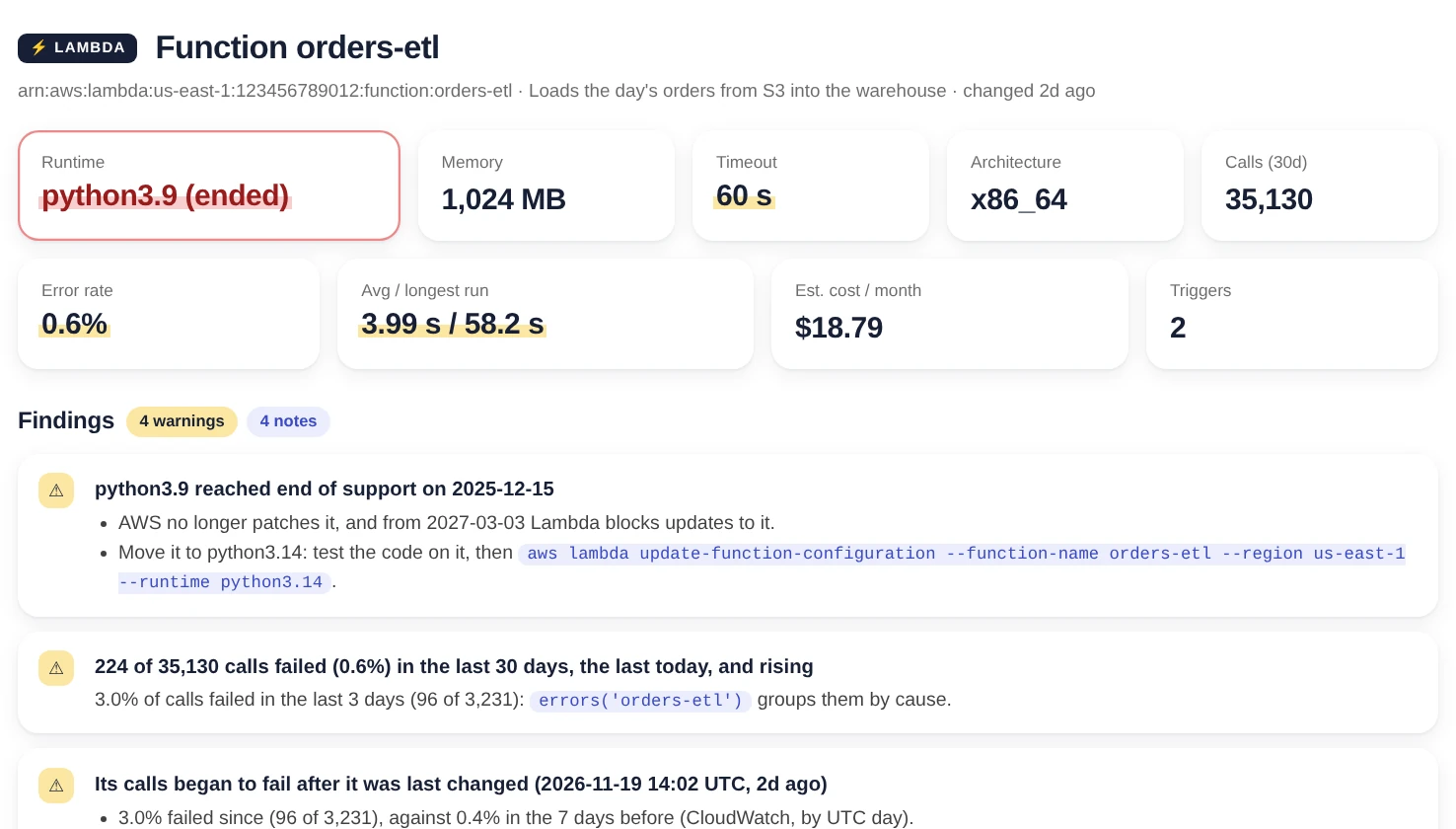
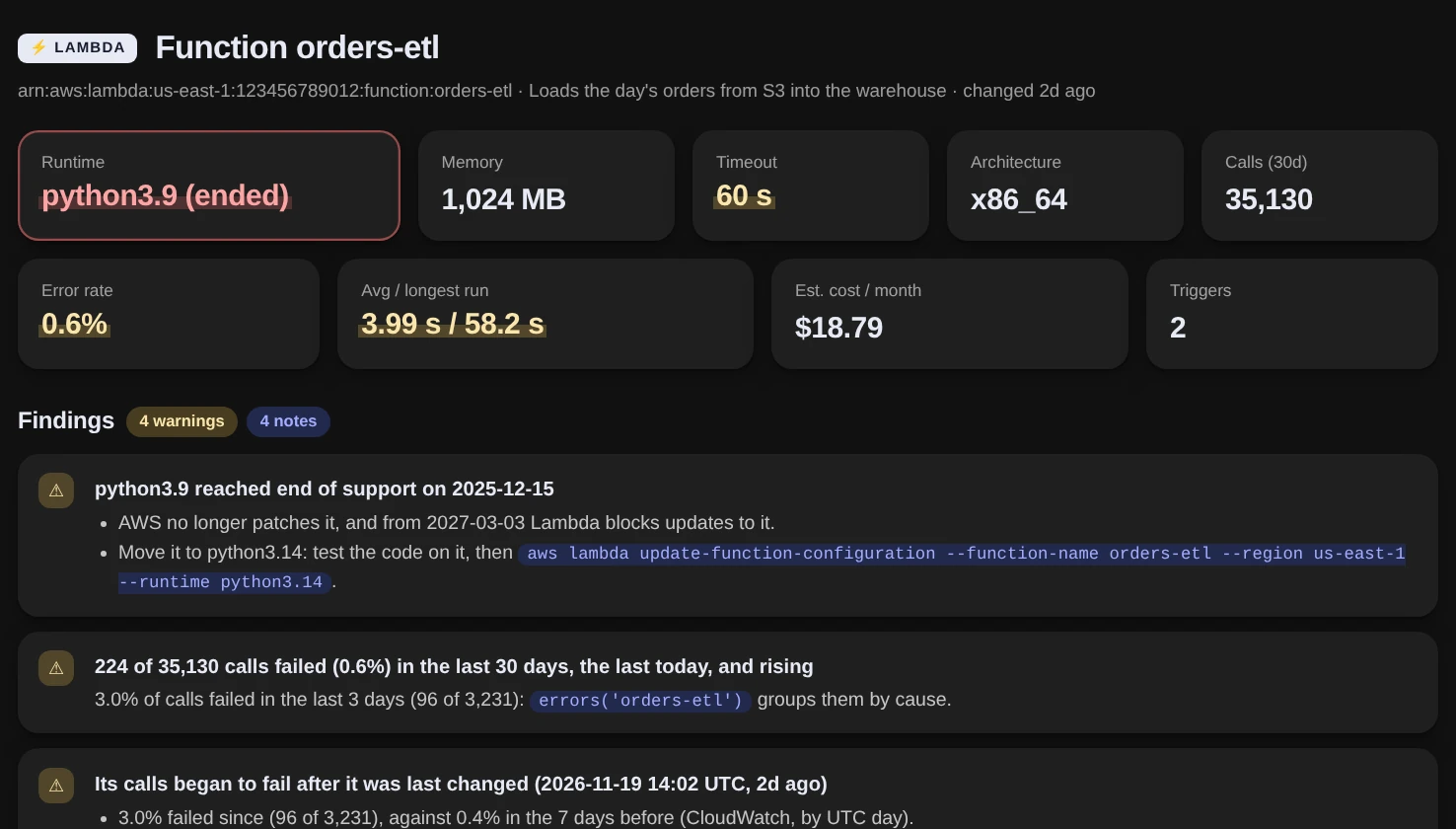
This site's look: navy and indigo, white cards with soft shadows, and an amber highlighter on what needs a look. set_theme("brand")
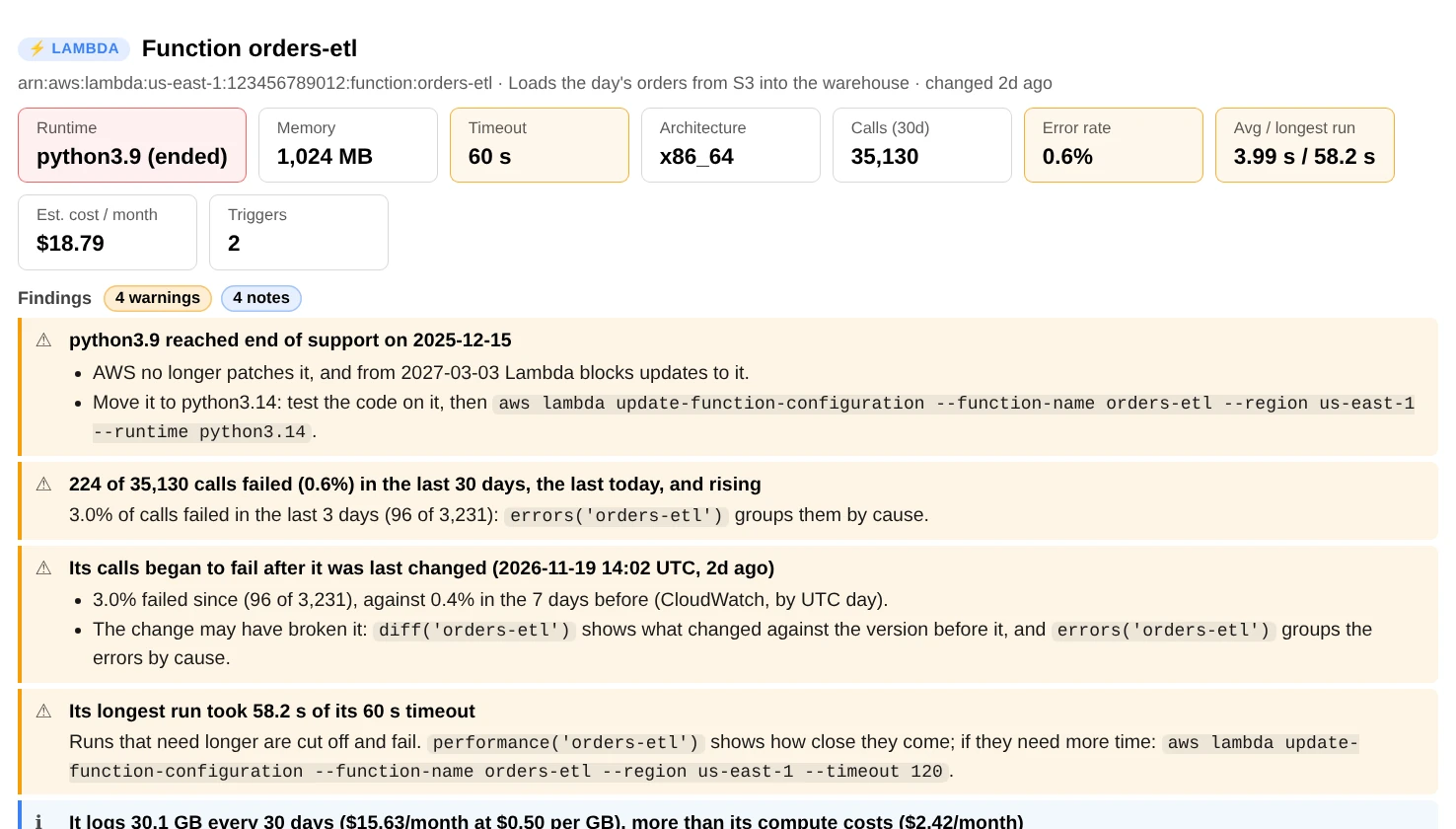
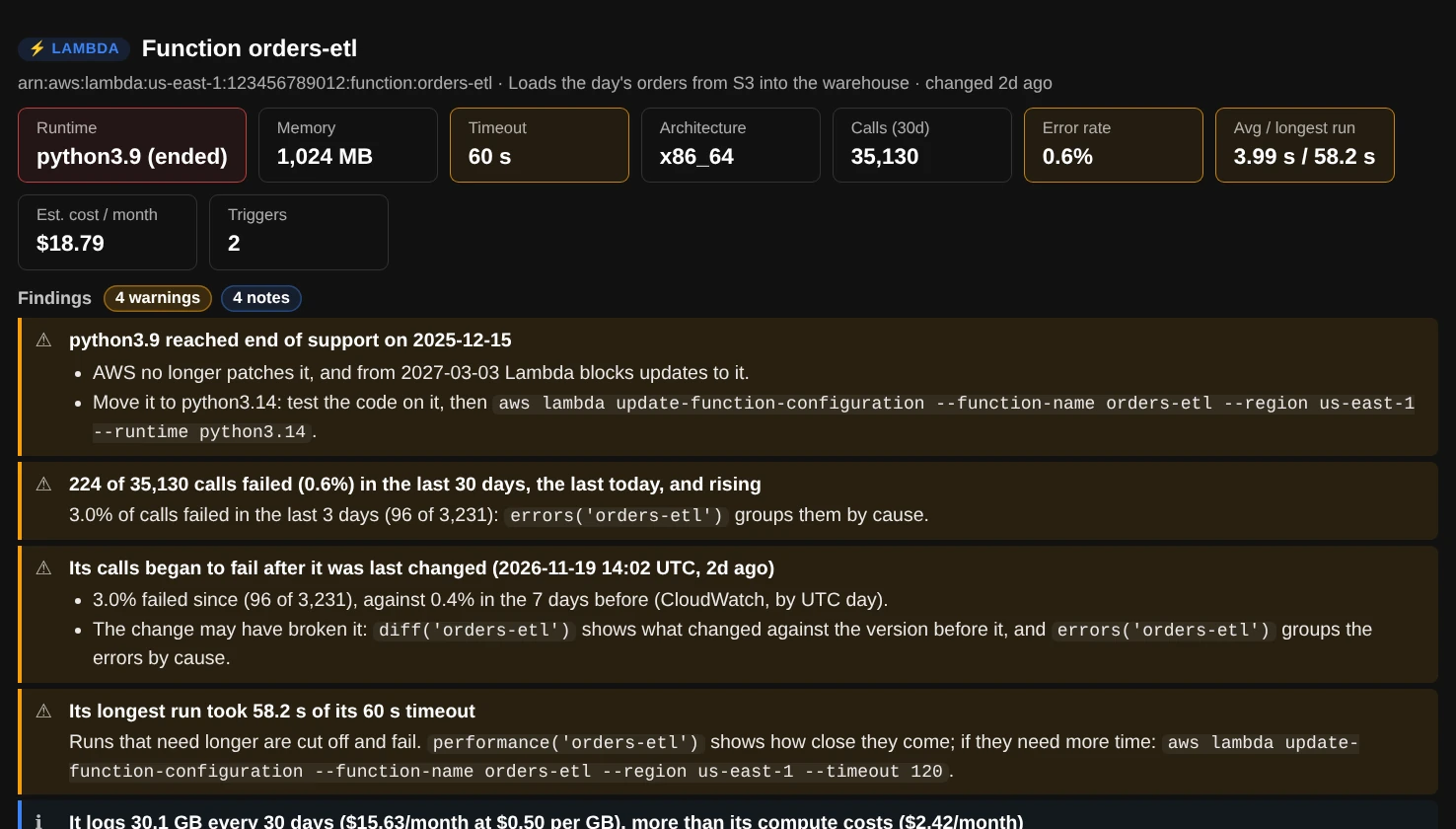
The look before themes: thin borders and tinted boxes. set_theme("classic")
The AWS_ANALYZER_THEME environment variable picks the theme for every notebook (AWS_ANALYZER_THEME=editorial). The explorer windows draw their reports in the theme too (the one set when the window opens). The chat windows keep their own look, and text output reads the same in every theme.
Your first report is one line away
Install it in a notebook cell, make a view, and ask. Nothing to set up, and nothing in your account changes.
%pip install aws-analyzer